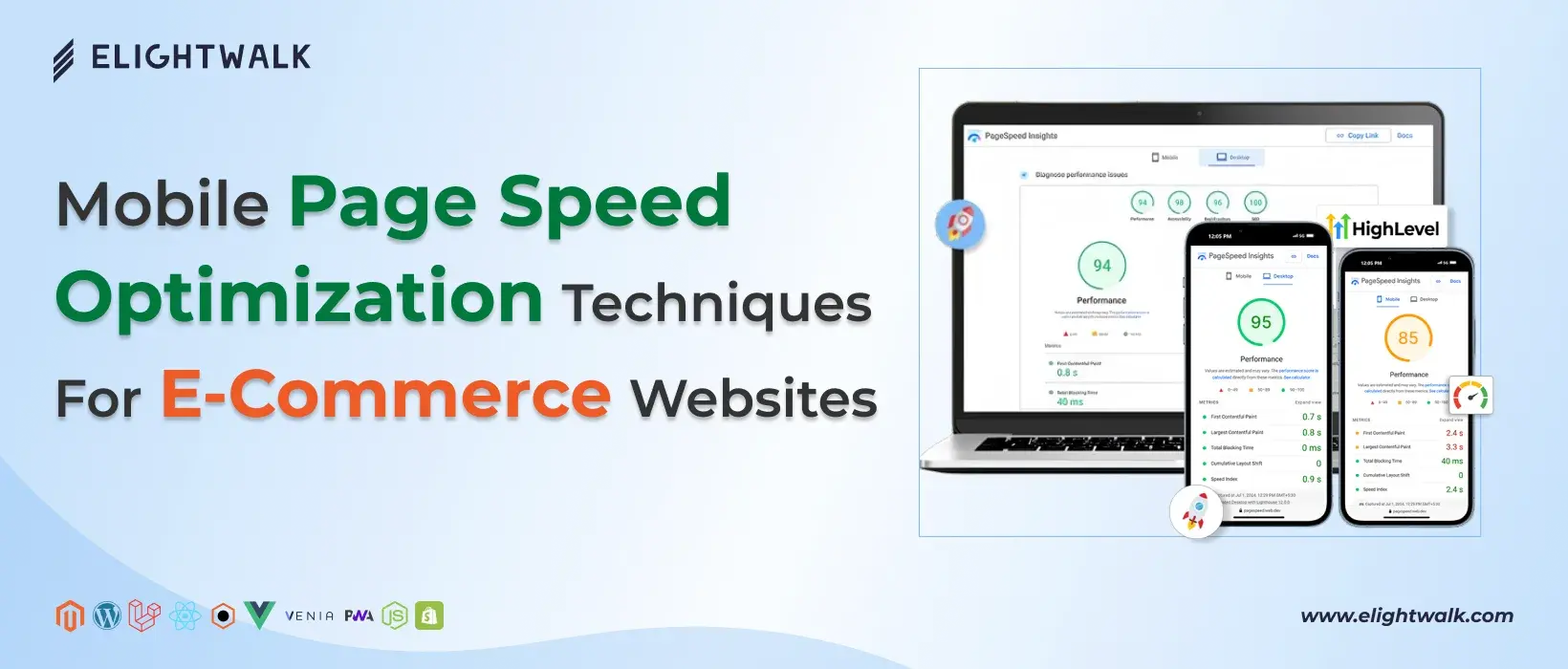
Technical optimization plays a significant role in improving mobile page speed for eCommerce websites. By optimizing images, code, and server performance, businesses can substantially reduce mobile loading times, deliver a smoother user experience, and strengthen mobile-first SEO.
Optimize Images for Mobile Devices
One of the most common reasons mobile eCommerce pages load slowly is poorly optimized images. Effective image optimization ensures fast loading without sacrificing visual quality.
All product and category images should be compressed appropriately to reduce file size while maintaining clarity. Using next-generation image formats such as WebP and AVIF allows sites to deliver high-quality visuals at significantly smaller sizes compared to traditional JPEG or PNG formats.
Responsive images and correct sizing are also critical for mobile optimization. Serving images at the appropriate resolution prevents unnecessary data usage and speeds up rendering on mobile devices. Using the srcset attribute helps browsers select the optimal image size for each screen.
Lazy loading is now a standard practice for image-heavy eCommerce pages. By loading images only when they enter the user’s viewport, initial page load times are reduced and Core Web Vitals improve. However, primary above-the-fold images should load immediately to avoid negatively impacting Largest Contentful Paint (LCP).
Minimize and Optimize JavaScript and CSS
Excessive or poorly optimized JavaScript and CSS are major contributors to slow mobile performance and poor interactivity. Cleaner, more efficient code results in faster rendering and a more responsive mobile experience.
Removing unused JavaScript and CSS reduces file sizes and frees up the main thread on mobile devices. Codebases should be reviewed regularly to eliminate redundant scripts or styles, especially those introduced by plugins or third-party integrations.
Deferring and asynchronously loading JavaScript helps critical content render faster. Non-essential scripts should not block page rendering or delay user interactions, as this directly impacts Interaction to Next Paint (INP).
Reducing third-party scripts is also essential. Analytics tools, marketing pixels, chat widgets, and other external dependencies can significantly slow mobile pages. Limiting their use or loading them conditionally helps preserve performance while retaining essential functionality.
Improve Server and Hosting Performance
Server-side performance directly affects mobile page speed and overall site reliability. A fast backend ensures that content reaches mobile users and search engine crawlers without delay.
For high-traffic eCommerce websites with dynamic content, selecting mobile-optimized hosting is critical. Scalable infrastructure, modern server configurations, and access to global data centers help deliver consistently fast mobile experiences.
Reducing server response time improves Time to First Byte (TTFB) and overall load performance. Key optimizations include proper database indexing, server-side caching, and efficient backend code execution.
Caching and Content Delivery Networks (CDNs) further enhance mobile performance. Browser caching allows static assets to be stored locally, reducing repeat load times, while CDNs deliver content from the closest geographic location to the user. Together, these methods provide faster mobile page loads and contribute to stronger, more sustainable eCommerce SEO results.