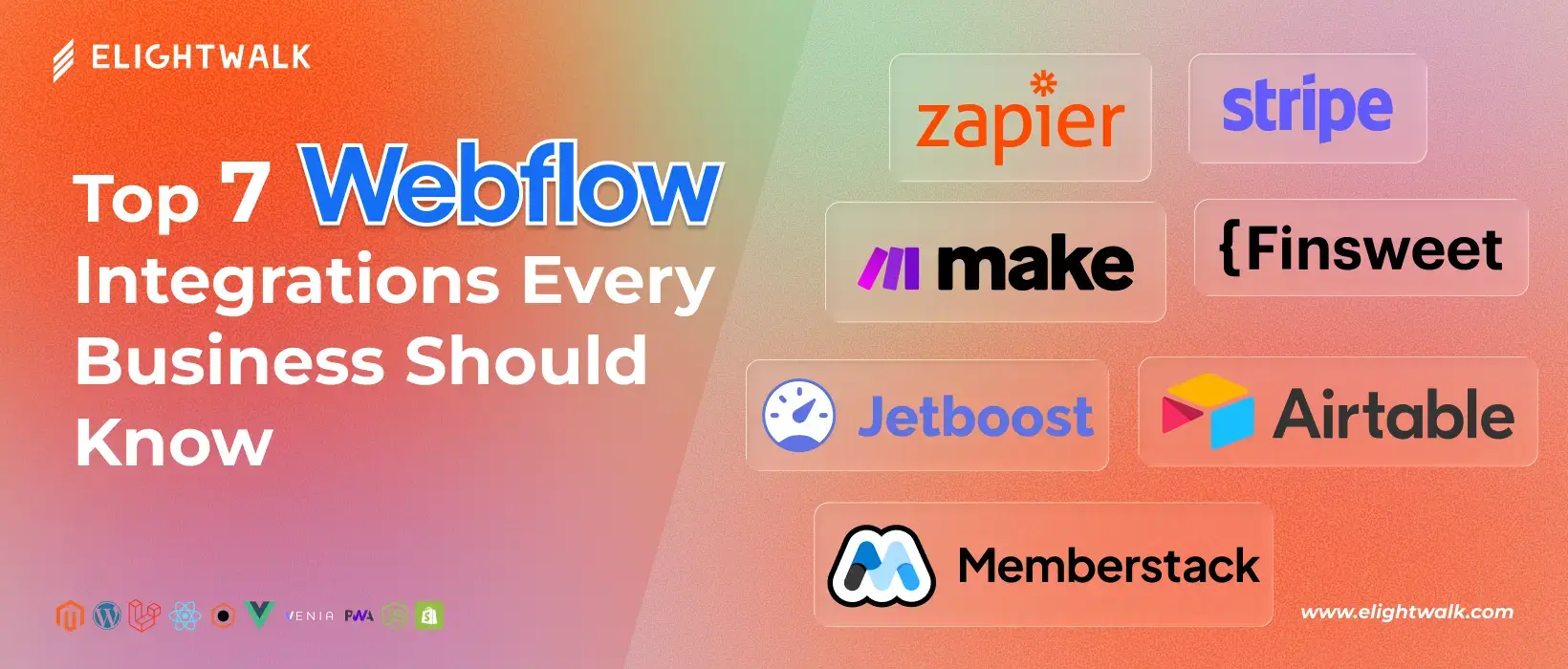
When you start extending Webflow, there are a few standout tools that can take your site to the next level. Here's a breakdown of some of the best integrations and what they can do for your business.
Memberstack → Creating Membership Sites
Memberstack is a simple yet powerful tool that lets you add user authentication, memberships, and gated content to your Webflow site—without writing any code. It handles sign-ups, logins, user accounts, and payments, making it easy to create subscription services, communities, or member-only areas.
Why use Memberstack?
If you're building a SaaS product, a membership community, or any site that requires different access levels, Memberstack makes it seamless. It handles all the complex backend tasks, allowing you to focus on designing your site and delivering value.
Example use case:
Imagine you run an online course platform. With Memberstack, you can restrict specific lessons or resources only to paying members, handle recurring payments via Stripe, and let users manage their profiles—all integrated smoothly with your Webflow design.
Jetboost → Real-time CMS Filtering
Jetboost supercharges your Webflow CMS by adding real-time search, filtering, and sorting capabilities. This means users can instantly narrow down lists or databases like products, job listings, or properties without waiting for page reloads.
Jetboost vs. Finsweet Attributes:
Both tools offer CMS enhancements, but Jetboost focuses on quick, user-friendly filtering and search, while Finsweet Attributes provides a broader range of CMS customizations and interactions. Depending on your needs, you might choose one over the other.
Example use case:
A real estate website could utilize Jetboost to enable visitors to filter homes by price, location, or number of bedrooms, instantly making the search experience fast and intuitive.
Make & Zapier → Automation Powerhouses
Handling workflows manually can become a nerve-wracking experience quickly, particularly when your business expands. Automation gadgets like Make (previously Integromat) and Zapier are the solution. They link Webflow to hundreds of other applications, thereby eliminating time-consuming tasks such as data syncing, notifications, and lead follow-ups.
Common automation examples:
- Automatically add new form submissions to your CRM
- Send welcome emails after a user signs up
- Sync new members' data to Google Sheets or Airtable
Why it's a game changer:
For SaaS companies and online communities, automation saves hours every week and reduces errors, allowing you to focus on building relationships and growing your business.
Finsweet Attributes → Advanced CMS Features
Finsweet Attributes are a set of powerful tools that unlock advanced CMS customizations in Webflow. From filtering and sorting to conditional visibility and custom interactions, they push Webflow's CMS capabilities even further.
When to choose Finsweet vs. Jetboost:
- Use Jetboost if you want quick and easy filtering/search features without much setup.
- Choose Finsweet Attributes if you require more advanced CMS customization, such as complex logic, multi-level filters, or unique interactions.
Stripe & Airtable → Payment and Data Management
Stripe is the go-to payment processor for Webflow sites that handle subscriptions, one-time payments, or marketplaces. Integrating Stripe enables you to collect fees and manage billing securely directly from your site.
Airtable as a backend:
Airtable functions as a highly flexible spreadsheet and database hybrid. It's ideal for managing and organizing data outside of Webflow's native CMS, particularly when you need to handle complex relationships or collaborative workflows.
Combining Stripe + Airtable:
Imagine a SaaS marketplace where Stripe handles payments, and Airtable manages user data, subscriptions, and service listings. Together, they create a robust, scalable backend while your Webflow front end stays sleek and responsive.