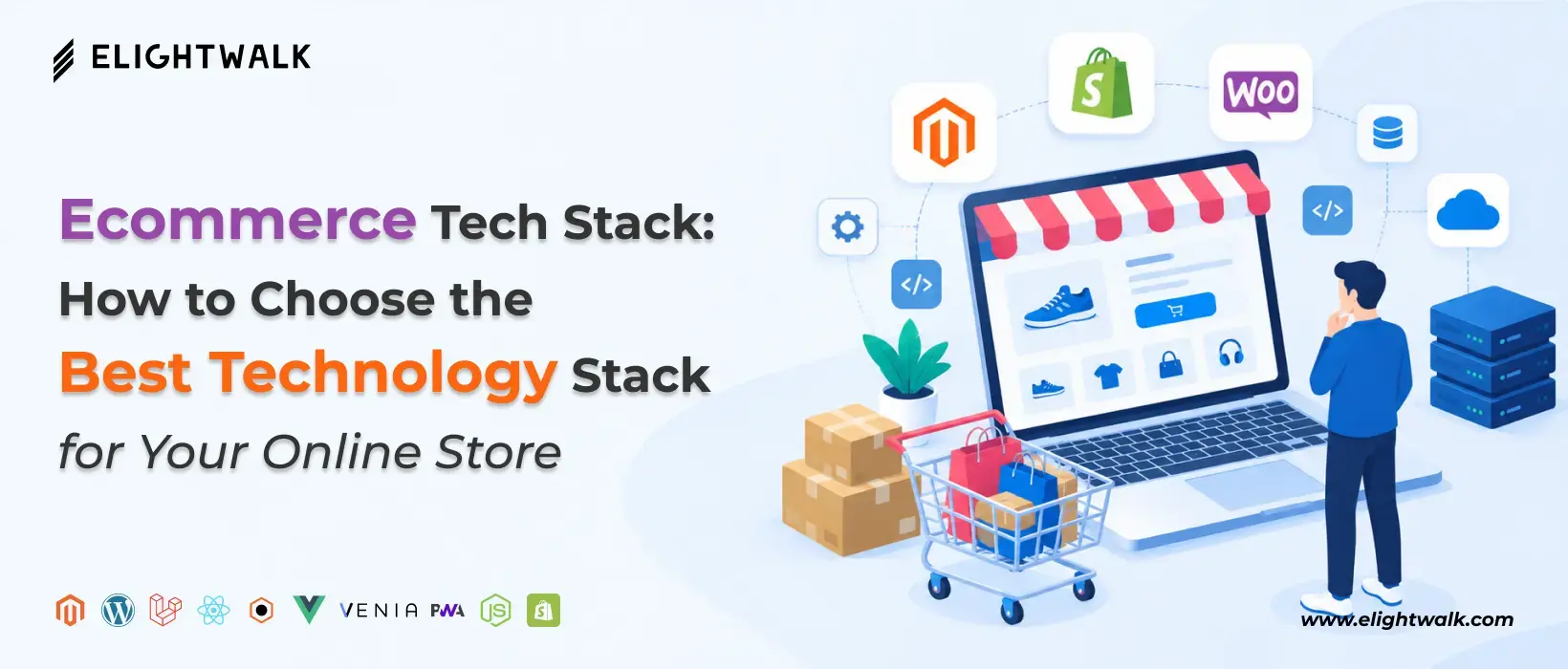
Picking the right ecommerce tech stack isn't just about choosing the newest framework or the most popular platform. The correct tech stack should fit your business model, product catalog, expected traffic, budget, development team, customization needs, SEO plan, growth goals, and integration needs.
Before choosing technologies, define what your ecommerce business needs today and where you expect it to be in the next three to five years. A stack that is inexpensive and simple for a small store may become restrictive as the catalog, traffic, and operational complexity increase.
Here are the key factors to evaluate when selecting an ecommerce technology stack.
1. Business Model
Your business model directly influences the architecture and features your ecommerce platform needs to support.
B2C Ecommerce
B2C stores typically need a straightforward customer journey covering product discovery, cart, checkout, payment, order tracking, and customer accounts.
Suitable options: Shopify, WooCommerce, BigCommerce, or custom/headless solutions for more complex requirements.
B2B Ecommerce
B2B businesses often require more advanced functionality, such as:
- Customer-specific pricing
- Bulk ordering
- Multiple buyers and approval workflows
- Purchase orders
- Credit limits
- Account-based catalogs
- ERP integration
Suitable options: Adobe Commerce, BigCommerce, Shopify Plus, or a custom commerce architecture.
D2C Ecommerce
D2C brands usually prioritize brand experience, performance, marketing integrations, personalization, and direct customer relationships.
Suitable options: Shopify, Shopify Plus, BigCommerce, or headless commerce with Next.js.
Marketplace Ecommerce
A marketplace introduces additional complexity because the system must manage multiple sellers, commissions, seller dashboards, payouts, product ownership, and potentially different fulfillment processes.
Suitable approach: A marketplace-specific platform or custom/headless architecture.
Subscription Ecommerce
Subscription businesses need recurring billing, subscription management, customer retention workflows, and payment automation.
Suitable approach: Shopify or BigCommerce with subscription solutions, or a custom commerce architecture when subscription logic is highly specialized.
Key consideration: Choose a commerce platform that supports your business model natively or can integrate with the systems required to support it.
2. Product Catalog Size
The size and complexity of your catalog can significantly influence your technology decisions.
| Catalog Size |
Typical Requirement |
Technology Consideration |
| <100 products |
Simple catalog and navigation |
Managed ecommerce platforms are often sufficient |
| 100–10,000 products |
Advanced categories, filters, inventory |
Strong search, caching, and catalog management become more important |
| 10,000+ products |
Large catalog and complex attributes |
Robust database, search, APIs, and optimization may be required |
| Millions of SKUs |
Enterprise-scale catalog |
Advanced architecture, distributed systems, PIM, search, caching, and scalable infrastructure |
Catalog size isn't the only factor. Product complexity matters too. A store with 2,000 products and thousands of product variants can have more demanding requirements than a store with 20,000 simple products.
For large catalogs, consider technologies such as Elasticsearch/OpenSearch, Redis, optimized databases, CDN caching, and, where appropriate, a dedicated PIM.
3. Expected Traffic
Your expected traffic determines how much emphasis you need to place on performance, caching, infrastructure, and scalability.
Normal Traffic
For predictable traffic levels, a managed ecommerce platform may provide everything you need without building complex infrastructure.
Seasonal Traffic
Businesses that experience significant traffic during events such as Black Friday, holiday shopping, or seasonal campaigns need infrastructure that can handle temporary traffic increases.
Consider:
- CDN caching
- Auto-scaling
- Load balancing
- Database optimization
- Application caching
- Performance monitoring
Flash Sales
Flash sales create a different challenge because thousands of customers may attempt to access the same products and complete purchases simultaneously.
Your architecture may need:
- High-performance caching
- Queue management
- Rate limiting
- Inventory locking
- Optimized checkout
- Database performance tuning
High-Concurrency Events
If your business regularly handles very high concurrent traffic, evaluate the entire architecture rather than focusing only on the frontend.
Frontend → API → Commerce Engine → Database → Payment → Inventory
Every layer needs to handle the expected load.
4. Budget
The cheapest technology stack isn't necessarily the most cost-effective. Consider total cost of ownership (TCO), not just initial development cost.
Your ecommerce technology budget should account for:
Development Cost
Includes:
- UI/UX development
- Frontend development
- Backend development
- Platform configuration
- Custom features
- API development
- Testing
Infrastructure Cost
Depending on the architecture, this may include:
- Cloud hosting
- CDN
- Database
- Storage
- Monitoring
- Security services
- Backup infrastructure
Platform Fees
Managed ecommerce platforms may charge subscription, transaction, or service fees depending on the platform and plan.
Third-Party Tools
Budget for services such as:
- Payment gateways
- Search
- Email marketing
- Analytics
- Customer support
- Shipping
- Personalization
Maintenance
Don't overlook ongoing costs such as:
- Security updates
- Bug fixes
- Platform upgrades
- Performance optimization
- Monitoring
- New integrations
- Feature development
A managed platform may have higher recurring platform costs but lower infrastructure and maintenance requirements. A custom stack can provide greater control but generally requires more technical resources.
5. Development Team
The technology stack should match the capabilities of the people who will build and maintain it.
Consider whether you have:
- In-house developers
- An ecommerce development agency
- Freelance developers
- A mixed development team
Also evaluate your team's experience with:
- PHP
- JavaScript/TypeScript
- React/Next.js
- Node.js
- Python
- Java
- .NET
- Cloud infrastructure
- APIs
- Databases
- DevOps
For example, adopting a highly customized headless architecture without developers who understand APIs, frontend frameworks, cloud infrastructure, and deployment can create unnecessary operational challenges.
6. Customization Requirements
Determine how much your ecommerce experience needs to differ from standard platform functionality.
A standard store may only require:
- Product pages
- Categories
- Cart
- Checkout
- Customer accounts
- Standard promotions
More complex businesses may need:
- Custom pricing engines
- Product configurators
- Personalized catalogs
- Complex discount rules
- Multi-vendor functionality
- Custom checkout workflows
- Advanced subscriptions
- Custom order management
- Omnichannel experiences
If most requirements are standard, Shopify, WooCommerce, or BigCommerce may be more efficient.
If your competitive advantage depends heavily on a unique digital experience, headless or custom ecommerce architecture may provide greater flexibility.
7. SEO Requirements
Consider SEO before selecting the ecommerce architecture, not after you've developed the website.
Your technology stack should support:
- Fast page loading
- Server-side rendering where appropriate
- SEO-friendly URLs
- Metadata management
- Canonical URLs
- XML sitemaps
- Robots.txt
- Structured data
- Breadcrumbs
- Internal linking
- Crawlable product and category pages
- Image optimization
- Core Web Vitals
For content-heavy and SEO-driven ecommerce websites, frameworks such as Next.js can provide useful rendering and performance capabilities. However, technology alone does not guarantee rankings. Technical architecture needs to work alongside content quality, information architecture, internal linking, structured data, and overall SEO strategy.
8. Scalability Requirements
Think beyond today's visitor count.
Ask:
- Will the product catalog grow?
- Will you expand into new countries?
- Will you add multiple currencies?
- Will you launch additional storefronts?
- Will traffic increase significantly?
- Will you introduce B2B functionality?
- Will you add mobile applications?
- Will you integrate additional business systems?
A scalable ecommerce architecture should let individual components evolve without rebuilding the entire platform.
Depending on requirements, scalability can involve:
- Cloud infrastructure
- CDN
- Load balancing
- Auto-scaling
- Database optimization
- Redis caching
- Search infrastructure
- API-based architecture
- Containerization
- Microservices or modular architecture
Don't overengineer for hypothetical scale. Build an architecture that can handle your realistic growth path, and add complexity only when a clear business need arises.
9. Integration Requirements
Modern ecommerce businesses often depend on several systems outside their primary ecommerce platform. Your technology stack should make it practical to exchange data between these systems.
Common integrations include:
| Integration |
Typical Purpose |
| ERP |
Orders, inventory, accounting, procurement |
| CRM |
Customer profiles, sales, relationship management |
| PIM |
Centralized product information |
| WMS |
Warehouse and fulfillment operations |
| Payment Gateway |
Online payment processing |
| Shipping |
Delivery, tracking, and fulfillment |
| Marketplace |
Product and order synchronization |
| Marketing Automation |
Email, campaigns, customer journeys |
| Analytics |
Traffic, customer behavior, and conversion analysis |
Before selecting a platform, identify the systems your business already uses and determine whether the ecommerce platform provides suitable APIs, webhooks, connectors, or integration tools.
For example:
Ecommerce Platform → ERP → Inventory
Ecommerce Platform → CRM → Customer Data
Ecommerce Platform → PIM → Product Information
Ecommerce Platform → Shipping → Fulfillment & Tracking
Poorly planned integrations can create duplicate data, synchronization issues, manual work, and operational bottlenecks.
Ecommerce Tech Stack Decision Checklist
Before finalizing your technology stack, ask:
- What business model are we operating?
- How large and complex is our product catalog?
- How much traffic do we expect today and during peak periods?
- What is our total development and operating budget?
- Who will build and maintain the system?
- How much customization do we actually need?
- How important are SEO and organic traffic?
- How much do we expect the business to scale?
- Which ERP, CRM, PIM, WMS, payment, shipping, and marketing systems must connect?
Once you answer these questions, selecting the right ecommerce platform and technology components becomes much easier.
The best ecommerce tech stack is not the one with the most technologies. It is the architecture that provides the right balance of functionality, performance, scalability, security, flexibility, development effort, and total cost for your business.