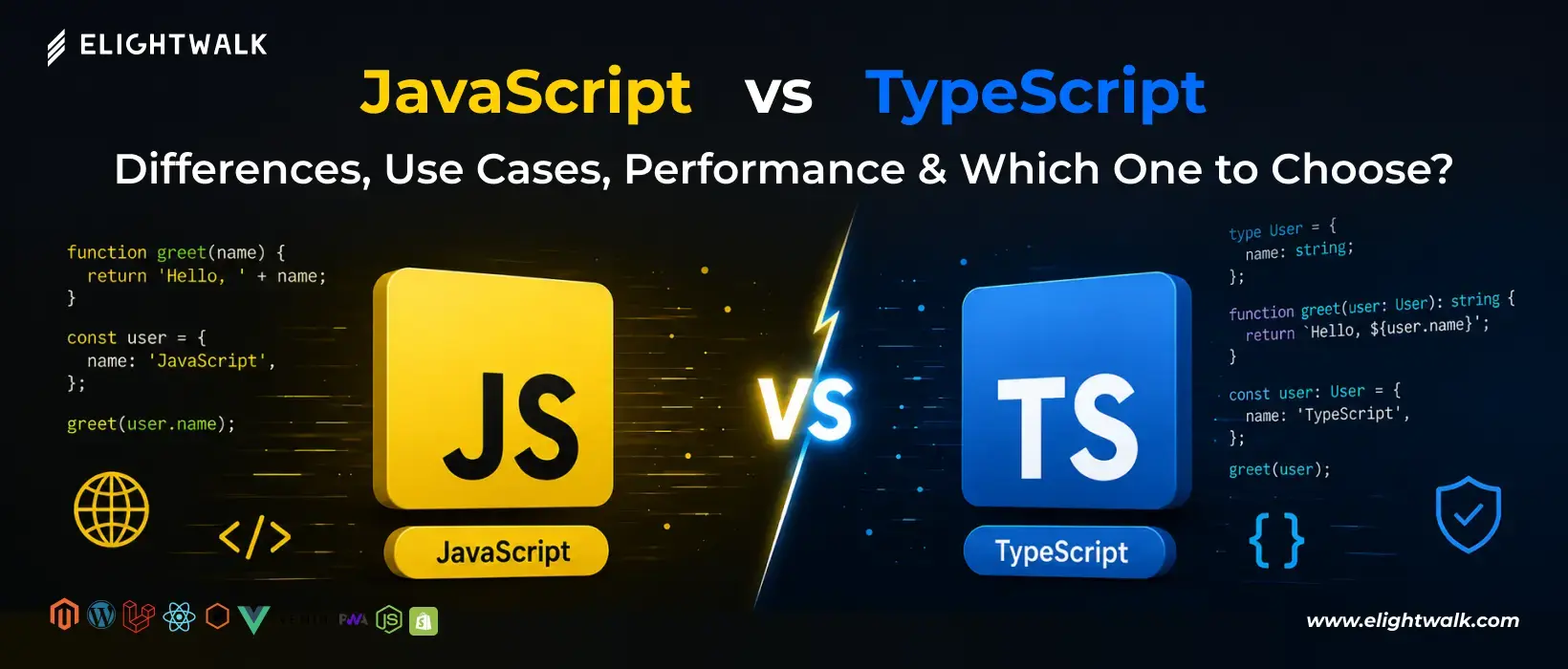
Both JavaScript and TypeScript are powerful technologies used by millions of developers worldwide. However, each language has its own strengths and limitations. Understanding their advantages and disadvantages can help you choose the right option based on your project requirements, team size, and long-term development goals.
JavaScript Advantages
JavaScript remains the most widely used programming language for web development, thanks to its simplicity, flexibility, and universal support.
1. Easy to Learn
JavaScript has a relatively low learning curve compared to many programming languages. Beginners can start building interactive websites with just a basic understanding of variables, functions, and objects.
2. Native Browser Support
Every modern browser supports JavaScript without requiring compilation or additional plugins.
Supported browsers include:
- Google Chrome
- Mozilla Firefox
- Safari
- Microsoft Edge
This makes JavaScript the foundation of interactive web experiences.
3. Faster Initial Development
Because developers don't need to define types or configure compilation tools, JavaScript allows for rapid prototyping and faster project setup.
This is particularly useful for:
- MVP development
- Startup projects
- Small business websites
- Proof-of-concept applications
4. Massive Ecosystem
JavaScript has one of the largest ecosystems in software development.
Popular technologies include:
- React
- Vue.js
- Angular
- Node.js
Developers can find libraries and tools for virtually any use case.
5. Flexible Development
JavaScript allows developers to write code quickly without strict rules or type definitions.
This flexibility can improve productivity in smaller projects where development speed is a higher priority than strict code structure.
JavaScript Disadvantages
While JavaScript is highly flexible, that same flexibility can create challenges as applications grow.
1. Runtime Error Detection
Many errors are only discovered when the application runs.
For example:
function getPrice(price) {
  return price.toFixed(2);
}

getPrice("100");
This may lead to runtime issues that aren't detected during development.
2. Difficult to Maintain Large Codebases
As projects grow, tracking variables, functions, and object structures becomes more difficult.
Without type checking, large applications often require additional testing and documentation.
3. Refactoring Risks
Renaming variables, functions, or object properties across hundreds of files can introduce hidden bugs.
Developers may not discover these issues until runtime.
4. Weak Type Safety
JavaScript allows values to change types unexpectedly.
let total = 100;

total = "one hundred";
While valid JavaScript, this flexibility can lead to unpredictable behavior in complex systems.
5. Team Collaboration Challenges
In large teams, inconsistent coding practices and undocumented data structures can make collaboration more difficult.
TypeScript Advantages
TypeScript was created to solve many of the challenges developers face when scaling JavaScript applications.
1. Static Type Checking
TypeScript identifies many errors before code execution.
let total: number = 100;

total = "one hundred"; // Error
This reduces bugs and improves application reliability.
2. Better Developer Experience
TypeScript provides advanced IDE support, including:
- Intelligent autocomplete
- Code navigation
- Type hints
- Refactoring assistance
Tools like Visual Studio Code are particularly powerful when working with TypeScript.
3. Improved Code Maintainability
Explicit types make code easier to understand and maintain over time.
Developers can quickly identify:
- Expected function parameters
- Return values
- Object structures
- API contracts
4. Safer Refactoring
TypeScript can automatically identify broken references after code changes.
This makes it easier to update large applications with confidence.
5. Better Scalability
TypeScript excels in large projects involving:
- Enterprise software
- SaaS platforms
- Financial applications
- Healthcare systems
- Multi-developer teams
Its structured approach helps keep complex codebases manageable.
6. Enhanced API Integration
TypeScript allows developers to define interfaces for API responses, reducing data-related bugs and improving reliability.
7. Strong Community Adoption
Major companies using TypeScript include:
- Microsoft
- Google
- Airbnb
- Slack
Its widespread adoption ensures long-term ecosystem support.
TypeScript Disadvantages
Although TypeScript offers many benefits, it isn't always the best choice for every project.
1. Steeper Learning Curve
Developers must learn additional concepts such as:
- Types
- Interfaces
- Generics
- Enums
- Utility types
Beginners may find these concepts overwhelming initially.
2. Additional Setup Requirements
Unlike JavaScript, TypeScript requires:
- Compiler configuration
- Type definitions
- Build processes
This increases project complexity.
3. More Code to Write
Type annotations improve clarity but can make code more verbose.
Example:
function getUserName(name: string): string {
  return name;
}
Compared to JavaScript:
function getUserName(name) {
  return name;
}
4. Compilation Step Required
Browsers cannot execute TypeScript directly.
Developers must compile TypeScript into JavaScript before deployment.
TypeScript
     ↓
Compiler
     ↓
JavaScript
     ↓
Browser
5. Slower Initial Development
For small projects, adding types and configurations can increase development time compared to plain JavaScript.
Advantages and Disadvantages at a Glance
| Category |
JavaScript |
TypeScript |
| Learning Curve |
Easier |
Moderate |
| Development Speed |
Faster initially |
Slower initially |
| Type Safety |
Limited |
Strong |
| Error Detection |
Runtime |
Compile Time |
| Refactoring |
Riskier |
Safer |
| Maintainability |
Moderate |
Excellent |
| Scalability |
Good |
Excellent |
| Tooling |
Good |
Excellent |
| Browser Execution |
Direct |
Requires compilation |
| Best For |
Small to medium projects |
Large-scale applications |
Neither JavaScript nor TypeScript Is Objectively Better in Every Situation
Choose JavaScript if you:
- Need rapid development.
- Are building a small application.
- Are learning web development.
- Prefer flexibility over strict structure.
Choose TypeScript if you:
- Are building a large or complex application.
- Work in a development team.
- Need long-term maintainability.
- Want stronger error detection and tooling support.
For modern enterprise applications, TypeScript often provides significant long-term advantages. However, JavaScript remains the foundation of web development and continues to be an excellent choice for smaller projects and rapid development workflows.